
The most common advice on this topic is also the most misleading. People want a single answer, but the best time to upload a youtube video isn’t universal. It changes with your audience, your format, your niche, and even the countries your viewers live in.
Generic time slots still help. They give you a starting point when your channel is small or your data is thin. But if you stop there, you leave performance on the table. A strong upload schedule isn’t built from blog-post averages alone. It’s built from what happens on your own channel in the hours right after you publish.
That early window matters because YouTube pays close attention to how a video performs soon after it goes live. If viewers click, watch, and engage quickly, YouTube has a better reason to surface that video more broadly. So the key job isn’t to find a magic clock time. It’s to find the launch window that gives each video the best chance to gain momentum.
Why a Perfect Upload Time Is a Myth (And What Matters More)
A “perfect” upload time suggests there’s one slot that works for every creator. There isn’t. A B2B SaaS channel targeting US executives won’t behave like a gaming channel with teenagers across Europe and India. A tutorial library with evergreen search traffic won’t behave like a creator who depends on subscriber notifications and homepage recommendations.
What matters more is viewer velocity. Industry guidance consistently points to the first 1 to 6 hours after publishing as the most important period for early performance, with the initial hour carrying the heaviest weight in promotion patterns noted by practitioners and platform tools in Evergreen Feed’s review of YouTube upload timing. That changes the question from “What time should I post?” to “When can I create the best first few hours?”
What upload timing can and can’t do
Upload timing helps with distribution. It does not rescue weak content.
If the topic is off, the thumbnail is flat, or the opening loses people quickly, posting at a better hour won’t fix the core problem. On the other hand, a strong video published at a merely decent time can still outperform a mediocre one published at the exact right moment.
Practical rule: Treat timing as an amplifier, not a substitute for topic selection, packaging, and retention.
This is why broad advice often disappoints creators. They copy a recommended time, publish two videos, and expect a dramatic shift. Then nothing changes because the audience wasn’t online then, or the content variables changed at the same time, or the channel didn’t have enough consistency yet.
The real objective
For most channels, the best time to upload a youtube video is the time that does three things well:
- Matches audience availability: Your core viewers are likely to be on YouTube soon after publish.
- Allows processing time: The video has enough lead time for indexing and HD processing before the biggest traffic wave hits.
- Fits a repeatable cadence: You can keep doing it every week without scrambling.
That last point gets ignored. A theoretically ideal slot that you miss half the time is worse than a very good slot you can sustain for months.
Data-Backed General Upload Times for 2026
If you need a starting answer, use the broad pattern first. Multiple analyses summarized by TubeBuddy and similar industry sources point to weekday uploads between 2:00 PM and 4:00 PM EST and weekend uploads between 9:00 AM and 11:00 AM EST as the most reliable general windows for long-form YouTube performance, as noted in TubeBuddy’s best time to publish video guide.
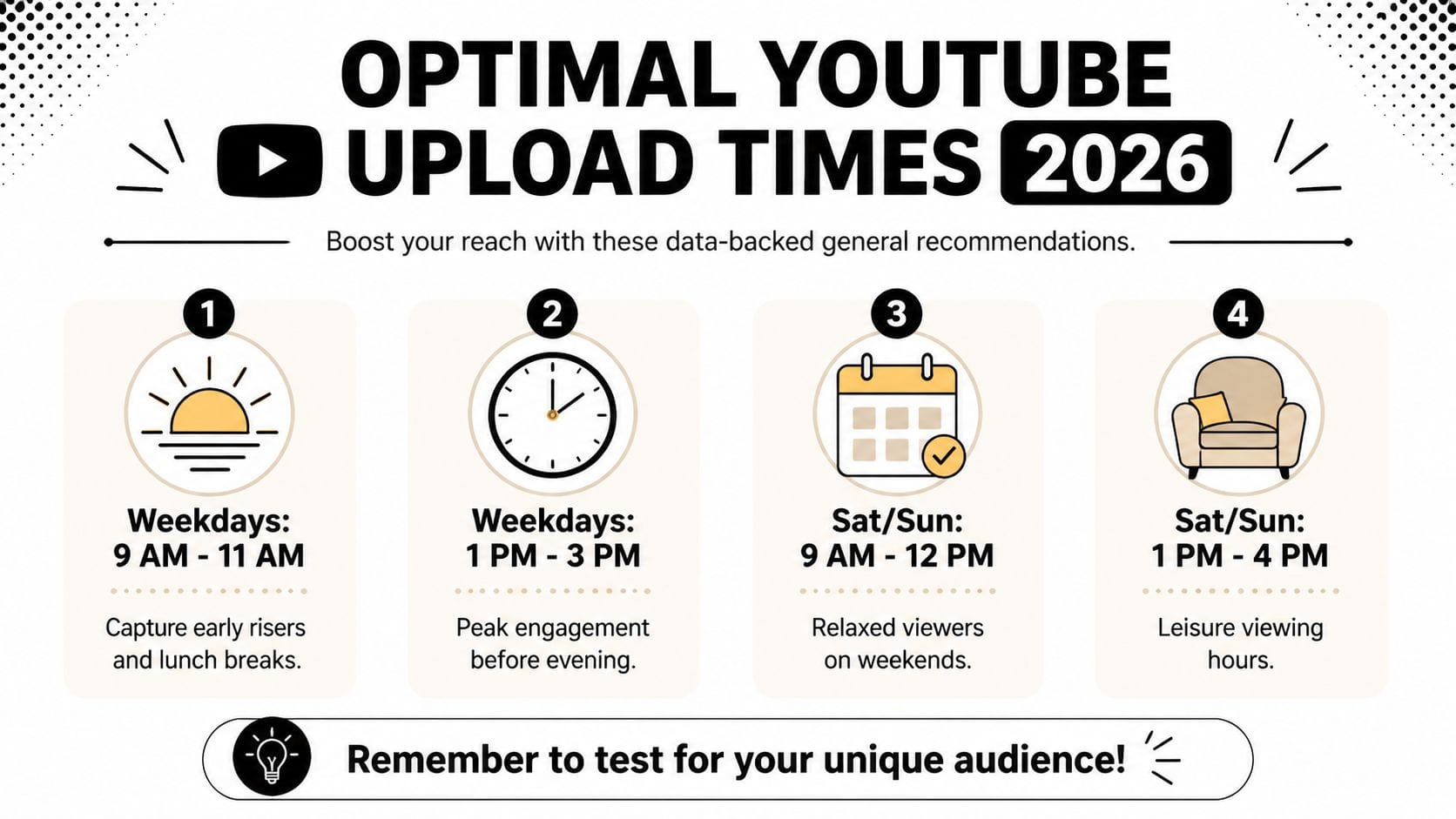
Those windows aren’t random. They line up with how long-form viewing tends to build through the day. On weekdays, an afternoon upload gives YouTube time to process the video before evening traffic rises. On weekends, mornings work better because viewers often settle into longer sessions earlier in the day.
The practical baseline
If you’re launching a new channel, managing a client account with limited history, or reviving a channel without recent consistency, start here:
| Schedule type | Practical default |
|---|---|
| Weekdays | 2:00 PM to 4:00 PM EST |
| Weekends | 9:00 AM to 11:00 AM EST |
| Strong weekday tendency | 3:00 PM to 6:00 PM EST often performs well for many channels |
| Strong day to watch | Wednesday afternoon is frequently highlighted in broad analyses |
That gives you a baseline, not a final answer.
Why these windows often work
Three forces make these time ranges useful for many channels:
- Pre-prime-time indexing: The video has time to finish processing and get classified before heavier evening usage.
- Cross-market overlap: Afternoon in North America can overlap with evening usage in parts of Europe.
- Work-to-leisure behavior: A lot of viewers don’t watch extensively during the middle of the workday, but they do start browsing before or after work.
General timing guides can still be useful if you want another overview of how creators maximize YouTube views and engagement, especially before your own channel has enough viewing history to trust.
Broad timing advice is most useful when you have little channel-specific data. Once your analytics stabilize, your own audience should overrule the averages.
What doesn’t work well in practice
The worst habit is posting exactly when you remember to do it. The second worst is publishing at the audience peak itself without accounting for processing and recommendation lag.
A lot of creators also overreact to one good upload. One strong Friday does not mean Friday is now your golden slot. You need patterns, not anecdotes.
How to Find Your Channel’s Peak Viewing Hours
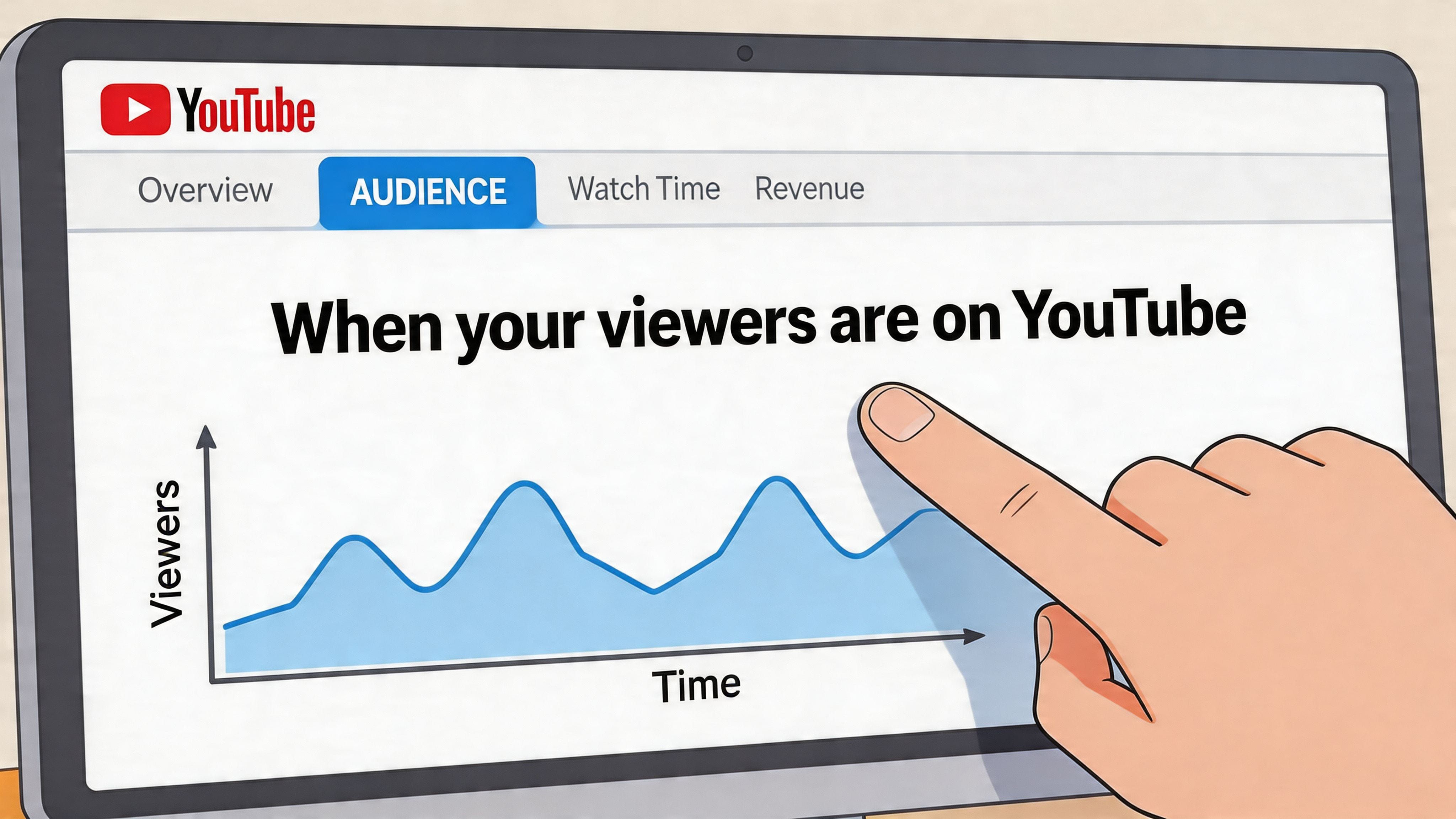
Once your channel has enough activity, YouTube Studio becomes more valuable than any generic timing guide. The most useful report lives in Analytics > Audience, where you’ll find When your viewers are on YouTube.
That chart is the closest thing you have to a custom answer.
Where to look and what to read
Open YouTube Studio, go to Analytics, then click Audience. Scroll until you see the heatmap.
The darker purple bars indicate periods when more of your viewers are on YouTube. Lighter areas indicate lower activity. This report reflects recent audience behavior, so it’s more useful than static “best time” articles once your channel has established an actual viewership pattern.
Here’s how to read it well:
- Look for clusters, not isolated dark blocks. One dark hour matters less than a repeated pattern across several weeks.
- Read by day first, then by hour. A moderate hour on your strongest day may beat a dark hour on a weak day.
- Notice whether your audience ramps gradually or spikes sharply. That affects how early you should schedule.
Turn the heatmap into a hypothesis
Don’t just stare at the chart. Write a working assumption.
If your chart shows a strong viewer concentration on Thursday evening, your hypothesis might be: “Thursday is my strongest day, and publishing before that evening rise should outperform my current Tuesday upload.”
A common misstep for many creators is stopping too early. They identify audience activity, then keep posting at the exact peak. A better move is to publish a bit ahead of it so the video is fully available when your audience starts arriving in volume.
For a second perspective on how timing choices can improve YouTube visibility with upload times, compare your heatmap interpretation with your recent publish history instead of relying on time slots alone.
Add audience research, not just channel analytics
YouTube Studio tells you when viewers are around. It doesn’t always tell you why those viewing habits look the way they do.
If your audience includes marketers, founders, or buyers with recurring pain points, outside conversation monitoring helps you connect timing with demand cycles. Tracking those discussions through YouTube keyword alert workflows can reveal patterns like weekday lunch-break research behavior or late-evening product comparison activity. That context helps you decide whether a peak reflects passive browsing, active problem-solving, or a response to a recurring topic in your niche.
If your viewers peak at 8 PM, don’t assume 8 PM is your upload time. First test the hours before it.
A fast interpretation checklist
Use this before changing your schedule:
- Check recency: Make sure the pattern still reflects your current audience, not a past content phase.
- Check geography: A “peak” may be driven by one region that isn’t your main growth market.
- Check content mix: Shorts-heavy audiences and long-form audiences often behave differently.
- Check consistency: If the heatmap is noisy, keep your current schedule until you have a cleaner signal.
Designing and Running Upload Time Experiments
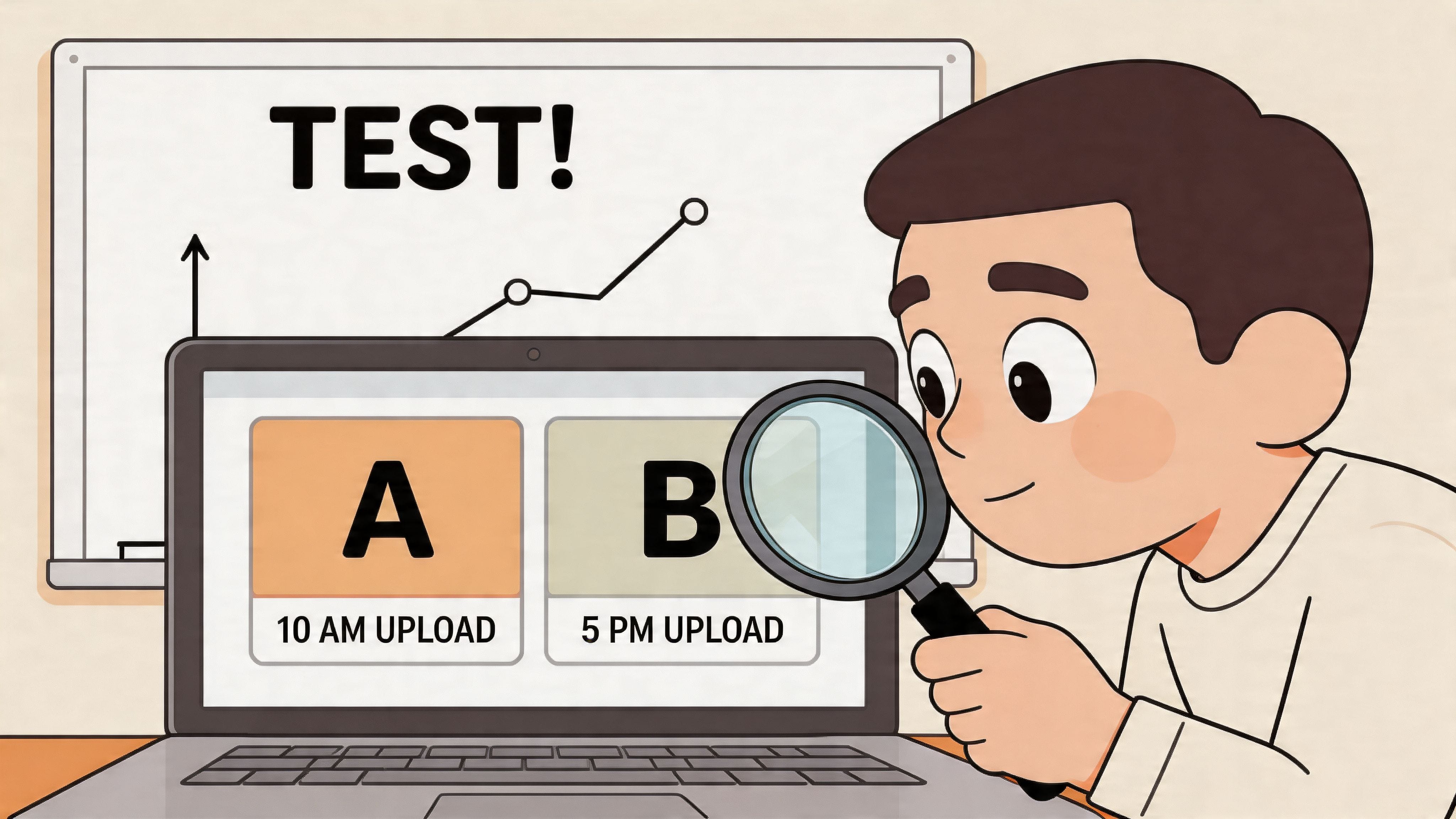
A channel manager shouldn’t “test” by posting at random times and hoping memory will fill in the gaps later. Run experiments the same way you’d evaluate thumbnails or titles. Keep one variable stable, change one variable on purpose, and record the results.
Build a simple control versus challenger test
Start with two timing buckets:
| Test role | Example |
|---|---|
| Control | Your current upload slot |
| Challenger | The new slot suggested by audience heatmap data |
Then keep the rest as stable as possible. Similar format. Similar audience intent. Similar publishing day, if possible. If your control is “Tuesday afternoon,” don’t compare it against “Sunday morning” using a completely different content style and expect a clean read.
A workable experiment looks like this:
- Use a consistent format: Compare tutorials with tutorials, commentaries with commentaries, product explainers with product explainers.
- Run the test across multiple uploads: One video can get distorted by topic demand or thumbnail strength.
- Schedule, don’t manually publish: Scheduled uploads reduce operational variance and help you hit exact times.
- Publish slightly early if needed: If processing tends to lag, schedule a bit ahead so the video is ready in full quality.
Measure the right windows
The early performance windows matter most because that’s where timing has the clearest effect. For each upload, log:
- First-hour views
- Performance in the first 6 hours
- Performance in the first 24 hours
- Notification response, if your channel watches that closely
- Watch behavior and engagement quality, not just raw views
If the challenger slot gets more views quickly but those viewers leave faster, that’s not a clean win. Better timing should help the right viewers arrive earlier, not just inflate weak clicks.
Field note: Timing tests fail when creators change topic, thumbnail style, title format, and publish time all at once.
Use a repeatable tracking sheet
You don’t need fancy tooling. A spreadsheet works. Log the publish date, exact time, video format, topic type, thumbnail approach, and early-hour results. Add notes about unusual context such as a holiday, breaking news cycle, or a collaboration upload that could skew the comparison.
If your team runs multiple channels or wants a cleaner way to organize YouTube-related release updates and process changes, a reference point like YouTube support being added in Mentionkit’s changelog can also remind you to document platform-specific workflow adjustments the same way you document experiments.
What usually produces bad test data
Avoid these mistakes:
- Testing during irregular posting periods: If your cadence is already unstable, timing data gets noisy.
- Comparing weak topics to strong topics: Topic demand can overwhelm timing effects.
- Changing audience expectations mid-test: If subscribers expect Friday uploads and you abruptly move everything, the first result may reflect habit disruption more than timing quality.
- Ending the test too early: You need enough uploads to see direction, not just one surprise result.
Analyzing Results and Targeting Audience Segments
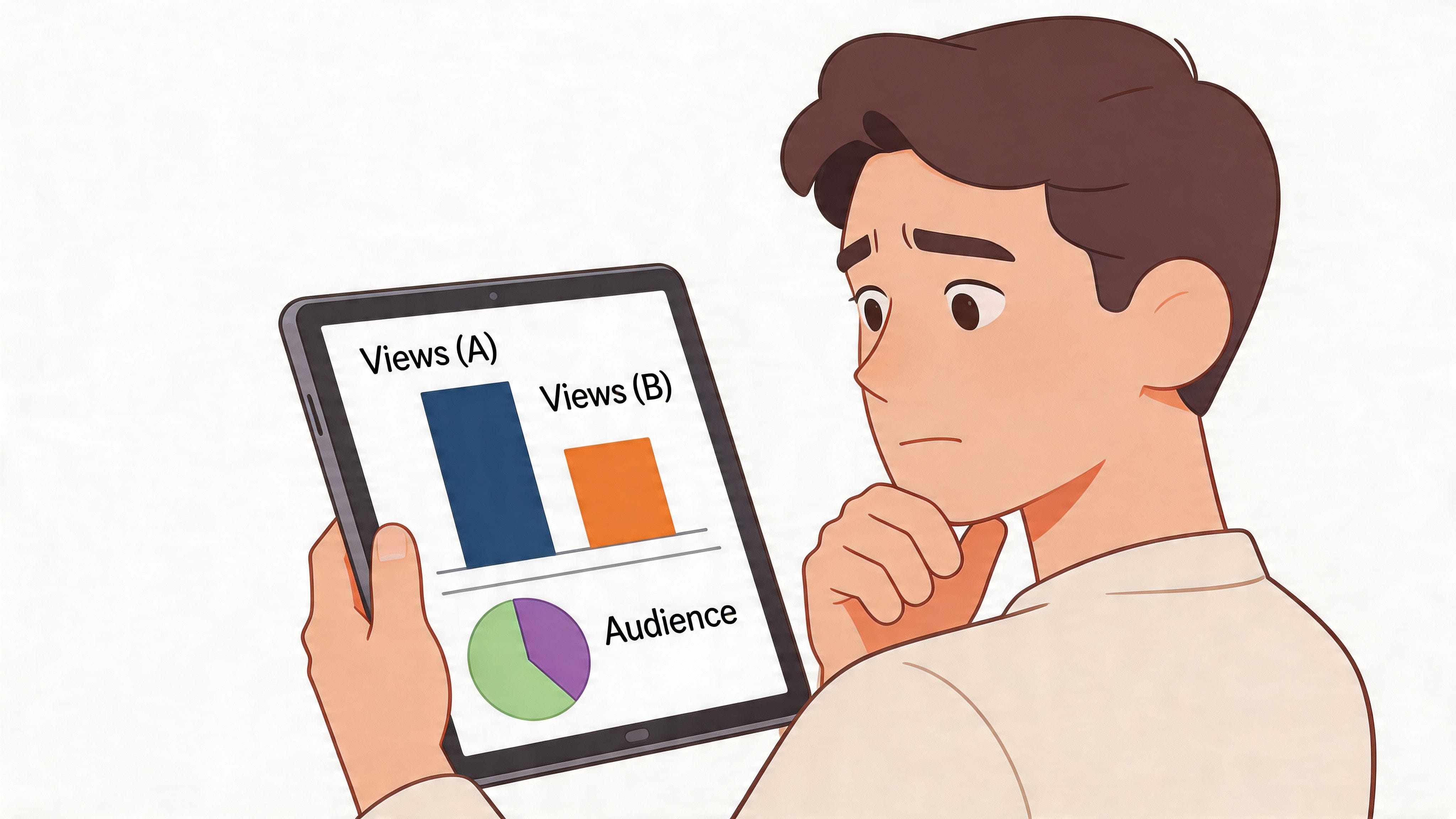
Once you’ve run the experiment, you need a decision rule. Don’t ask, “Which upload felt better?” Ask which time produced the stronger early pattern across similar videos.
How to judge a winning slot
Look at the control and challenger side by side. Your preferred slot should show a consistent edge in the first part of the release cycle, not just one outlier result.
Use this review lens:
- Early traction: Did one slot repeatedly start stronger in the first hours?
- Quality of traffic: Did those viewers watch, or did they bounce?
- Repeatability: Did the pattern show up on more than one upload?
- Content fairness: Were the compared videos close enough in intent and appeal?
If one upload clearly overperformed because the topic was unusually strong, flag it and don’t let it dominate the conclusion.
Segmentation changes the answer
The discussion now becomes more advanced. A channel with one dominant geography can settle on one publishing window. A channel with a mixed audience often can’t.
According to Nexlev’s writeup on YouTube timing by region, India’s prime mobile viewing time is 6 PM to 9 PM IST, while the UK peaks around 1 PM to 3 PM GMT, and testing staggered uploads for different zones can boost reach by 30% to 40% for international creators. That doesn’t mean every global channel should create separate schedules. It means you should stop assuming US-centric advice fits everyone.
A simple way to look at it:
| Audience pattern | Better timing approach |
|---|---|
| Mostly one country | Optimize for that local peak |
| Two major regions with overlap | Use the overlap window |
| Strongly split global audience | Test staggered release patterns across uploads |
For channels managing brand demand across markets, outside monitoring matters here too. If audience conversations spike at different times by region, brand mention monitoring workflows can help identify where interest appears first and whether your publishing schedule aligns with those waves.
A global audience doesn’t give you one best time. It gives you a scheduling problem to solve.
When to keep one schedule versus split it
Keep one schedule if your audience still clusters around a clear shared window. Split your strategy if one region consistently engages early while another consistently arrives late, and that gap keeps showing up in your analytics.
In practice, some channels don’t need separate upload times. They need separate content expectations. A US workday explainer and an India-focused tutorial may deserve different release windows because the audience intent is different, not just the clock.
Building a Sustainable Upload Schedule
The strongest workflow is simple. Start with broad timing guidance. Validate it against your own Audience heatmap. Test a challenger slot against your current schedule. Keep the winner, then review again after your audience mix changes.
That’s how you find the best time to upload a youtube video for your channel. Not by copying one chart forever.
The schedule you can actually keep
A good upload schedule has three qualities:
- Predictable: Viewers learn when to expect you.
- Measurable: You can compare one period against another.
- Sustainable: Your team can maintain it without rushed publishing.
Timing still sits below content quality. A great video posted at a decent time beats a weak video posted at the ideal time. If your packaging is slipping, fix that before obsessing over the clock.
For creators who want a broader workflow reference beyond timing alone, this complete YouTube upload guide is useful for tightening the rest of the publishing process around formatting and channel operations.
Audience research matters before scheduling, too. If you don’t understand what viewers are asking, comparing, and complaining about, even a perfectly timed upload can miss. The publishing hour helps distribution. Relevance drives the click.
Mentionkit helps teams monitor high-intent conversations across Reddit, X, LinkedIn, and Hacker News so they can spot what their audience is actively asking about before they publish. If you want better topics, sharper audience insight, and a clearer view of demand signals that shape content timing, take a look at Mentionkit.