
Competitor monitoring means tracking public posts about rival products, then using those posts to improve your product, support, positioning, and content.
The best posts include detail. A user explains why setup failed, which feature is missing, why a plan costs too much, or what they need from an alternative. That feedback gives you facts you can act on.
This guide shows how to choose competitor terms, find useful posts across social media and forums, and respond without turning every complaint into a sales pitch.
What to track in competitor monitoring
Start with three to five close competitors. Pick products that serve the same customer and solve the same main problem. A famous company in a nearby category can create high mention volume with little useful detail.
For each competitor, track:
- Company and product name
- Social handle and domain
- Common misspellings
- “[Competitor] alternative”
- “[Competitor] vs”
- “[Competitor] pricing”
- “[Competitor] support”
- “[Competitor] integration”
- “[Competitor] missing [important feature]”
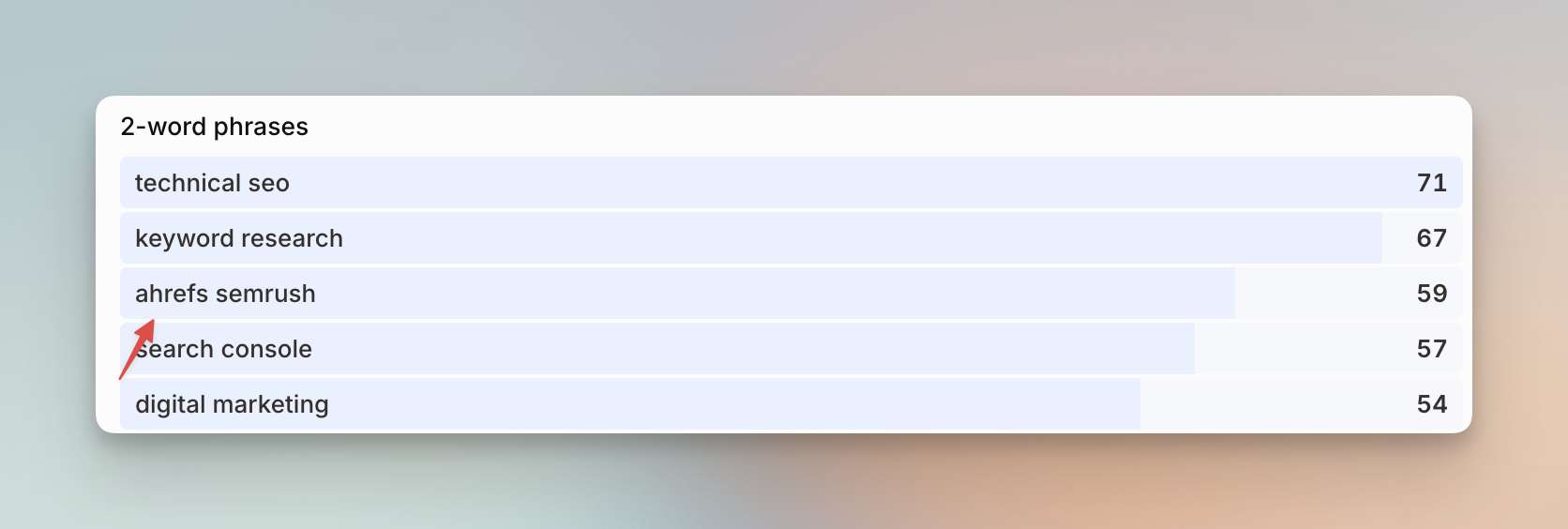
Add neutral terms before negative ones. Praise shows what users value. Questions show what the market does not understand. Complaints show problems. Comparison posts show which features affect a buying decision.
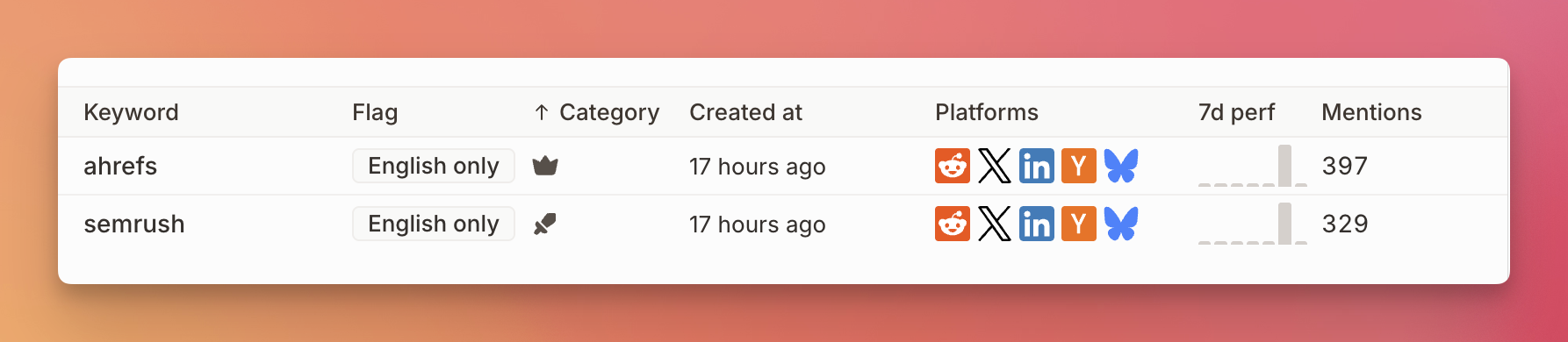
Keep product names in separate trackers or groups. This makes reports easier to read and stops one large competitor from hiding smaller trends.
Choose sources based on the product.
Reddit and forums contain detailed comparisons. X catches short reactions and current issues. LinkedIn has professional product recommendations. YouTube reviews and comments can show setup problems. GitHub issues matter for developer products. Review sites can show repeated complaints, but they often arrive later than social posts.
Private groups need authorized access. No tool can promise complete coverage across every private Slack, Discord, Facebook, or customer group.
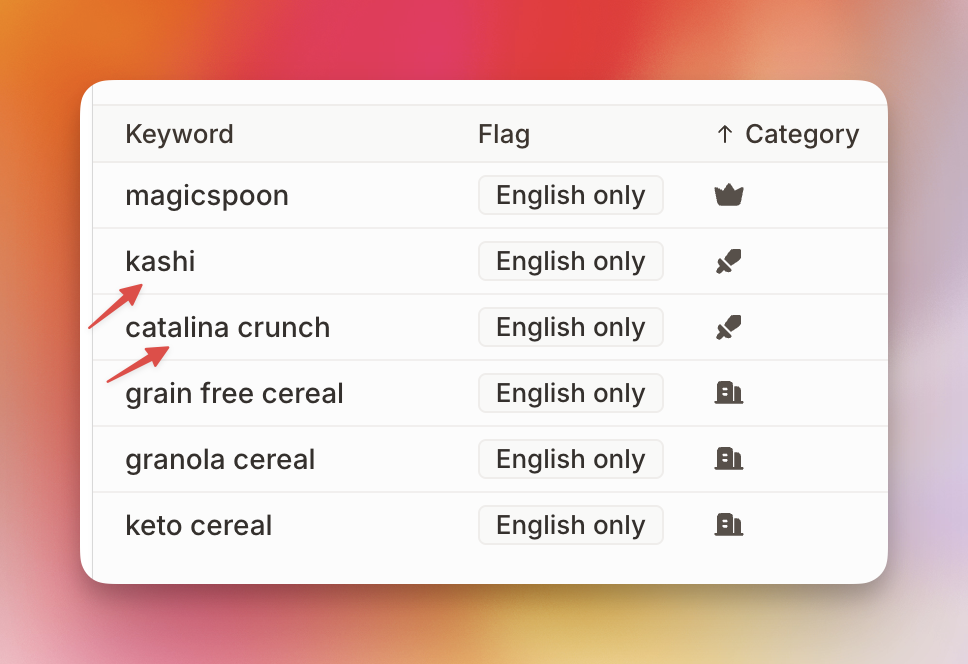
Mentionkit tracks brand, keyword, and competitor mentions across Reddit, X, LinkedIn, YouTube, GitHub, Slack, forums, and other sources. It uses AI filtering to put actionable mentions first.
How to turn competitor mentions into useful research
Group each useful post by theme. Use a small set such as price, setup, support, feature gap, reliability, integration, reporting, or switching.
Then save four facts:
| Field | Example |
|---|---|
| Competitor | Product A |
| Source | |
| Theme | Pricing |
| Exact problem | User needs two seats but the next plan adds ten |
The exact problem matters more than a positive or negative label. “Negative” does not tell a product manager what to fix. “Export fails on files over 100 MB” does.
Review posts in context.
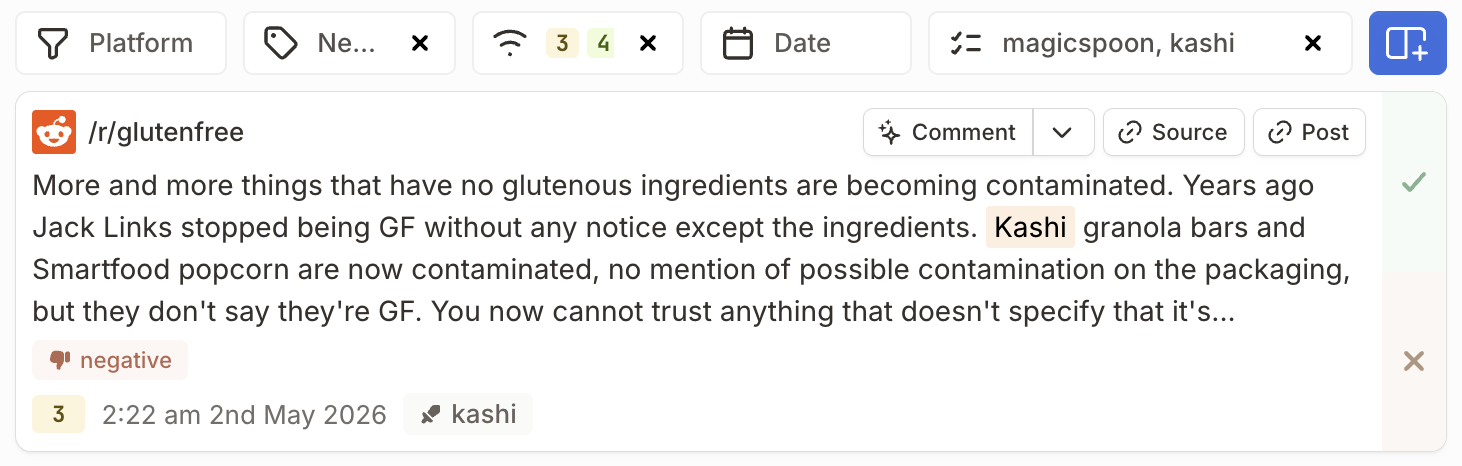
Open the full thread before you save a finding. A clipped sentence can hide a joke, correction, old version, or reply from the company. Check the date and product plan. Old complaints can remain indexed long after a feature changes.
Look for repeated themes.
One complaint is an example. Several independent posts about the same limit show a pattern worth checking.
Review competitor mentions each week and record:
- Number of useful mentions by competitor
- Repeated praise and complaints
- Features people compare most
- Questions no product page answers well
- Posts where facts about your category are wrong
- Terms that produced weak matches
Do not estimate market share from a social feed. Source access, keyword choices, account size, and posting habits affect mention counts. Use mention volume to guide research, then check the finding with reviews, sales calls, support notes, or product data.
Use the findings across your company.
Product staff can review repeated feature gaps. Support can prepare answers for common switching questions. Marketing can update comparison pages with current facts. Sales can use real objections in call notes. Founders can see which competitors appear in new forums or customer groups.
The tracked phrases can also improve content. If people ask “Product A vs Product B for agencies,” publish a page that compares the exact limits, price, source coverage, and workflow. Link every claim to a current source.
How to respond to competitor posts
Most competitor mentions do not need a reply. Research them first.
Reply when:
- Someone asks for alternatives and your product fits the stated needs
- A user asks a factual question you can answer
- A comparison includes a wrong fact about your product
- Someone wants a feature or price level you provide
Skip the reply when the person only wants help from the competitor, the post is angry and personal, your product has weak fit, or you cannot add new information.
Disclose your role.
Say that you work with the product. Hidden promotion harms trust and can break community rules. A short disclosure is enough:
I work with [product]. It fits if you need [specific need]. The current limit is [fact]. If you need [different need], [competitor] may fit better.
Answer the user’s question before you add a link. State one relevant difference. Mention a limit. This gives the reader enough information to judge the product.
Do not send unsolicited direct messages to every person who complains about a competitor. Public replies let the user decide whether to continue. Use a private message only when the user asks or when account details cannot be shared in public.
Run a daily and weekly routine.
Each workday, review direct comparisons, active complaints, and recommendation posts. Assign support or sales follow-up only when there is a clear fit.
Each week, group saved posts by theme, remove noisy keywords, and update one internal note. Each month, check whether a repeated theme needs a product change, page update, or new help article.
Mark each mention as reviewed, assigned, replied to, saved, or skipped. This stops duplicate work and creates a record for reports.
Lead discovery can be useful here. Keep it behind research and brand work. Competitor monitoring gives you more value when it improves product facts, pages, support answers, and market knowledge even when no lead appears.
Conclusion
Choose three close competitors and add their product name, domain, comparison phrase, and alternative phrase to a keyword tracking tool. Review the results for two weeks.
Save repeated product facts and problems. Remove weak keywords. Reply only when your product fits the post and your answer adds useful detail.
Use Mentionkit to keep competitor mentions with your brand and market terms, then review, assign, reply to, and report on the posts that need action.